PUBG Mobile Downloads With Limited Storage
Articles
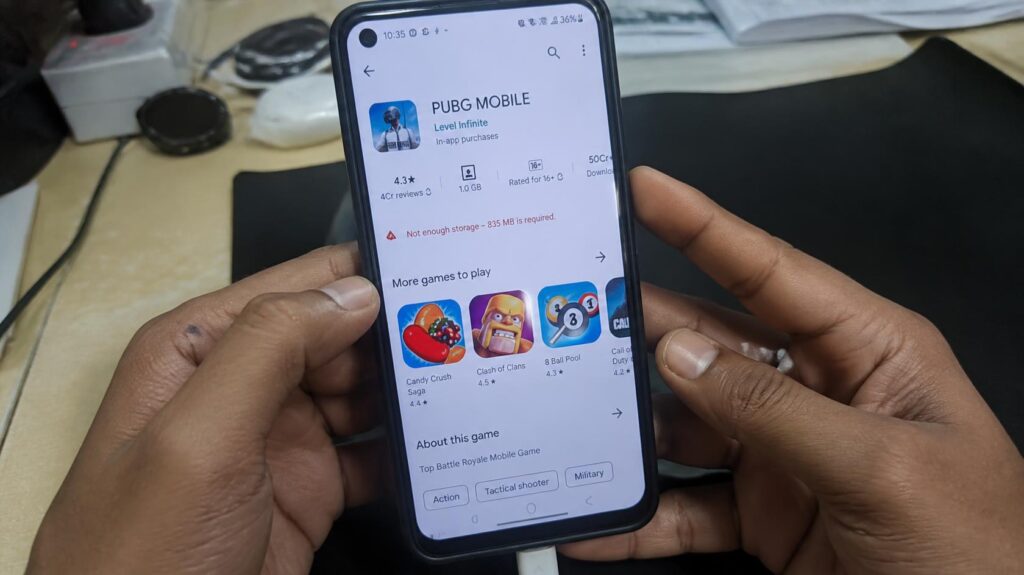
Limited storage can turn PUBG Mobile Downloads into a frustrating bottleneck, especially when a device looks like it has enough room but still struggles during installation. The real issue is not always the initial download size, temporary files, additional resources, cached data, and the space required to unpack installation files can quietly consume the remaining capacity. Understanding that distinction helps prevent interrupted downloads and keeps the device ready for the game itself.
A careful storage check creates a much smoother path from downloading to launching, particularly when dealing with PUBG Mobile Downloads on phones with modest capacity. Instead of deleting random files at the last minute, a smarter approach is to identify what occupies storage, remove unnecessary data, and preserve a reasonable buffer for installation and later updates. That small reserve of free space can make the difference between a clean installation and an unexpected storage warning at the worst possible moment.
Storage Problems During PUBG Mobile Downloads
Before pressing the download button, storage deserves more attention than a quick glance at the remaining gigabytes. Storage Management Tips can reveal why a device that appears nearly empty may still fail when PUBG Mobile needs additional room to process its files.
Limited Space Before Starting Downloads
A device with very little free storage can struggle before the game has even finished downloading. Android may need temporary working space while files are transferred, verified, extracted, and organized, making available storage an important part of the installation equation. Clearing unnecessary screenshots, duplicate videos, unused applications, and old downloads can create a useful buffer without touching important personal data.
Large Game Files Filling Storage
PUBG Mobile can require more storage than the initial application package suggests because game resources may be downloaded separately. Graphics, maps, audio assets, configuration data, and other game resources can gradually expand the amount of occupied space. As Android Authority has noted in its coverage of mobile storage management, large games can become substantial storage consumers as additional downloadable content accumulates.
Extra Files Increasing Storage Needs
The storage footprint can also grow because of cached data and resource packages created after installation. These files may support smoother gameplay, but they reduce the remaining capacity available for other applications and future downloads. A phone can therefore appear ready for the installation while having too little breathing room for the final extraction stage.
Preparing Storage For PUBG Mobile
Once the storage problem is understood, preparation becomes much more straightforward. A few deliberate checks can turn Storage Management Tips into practical habits that protect both the installation process and everyday phone performance.
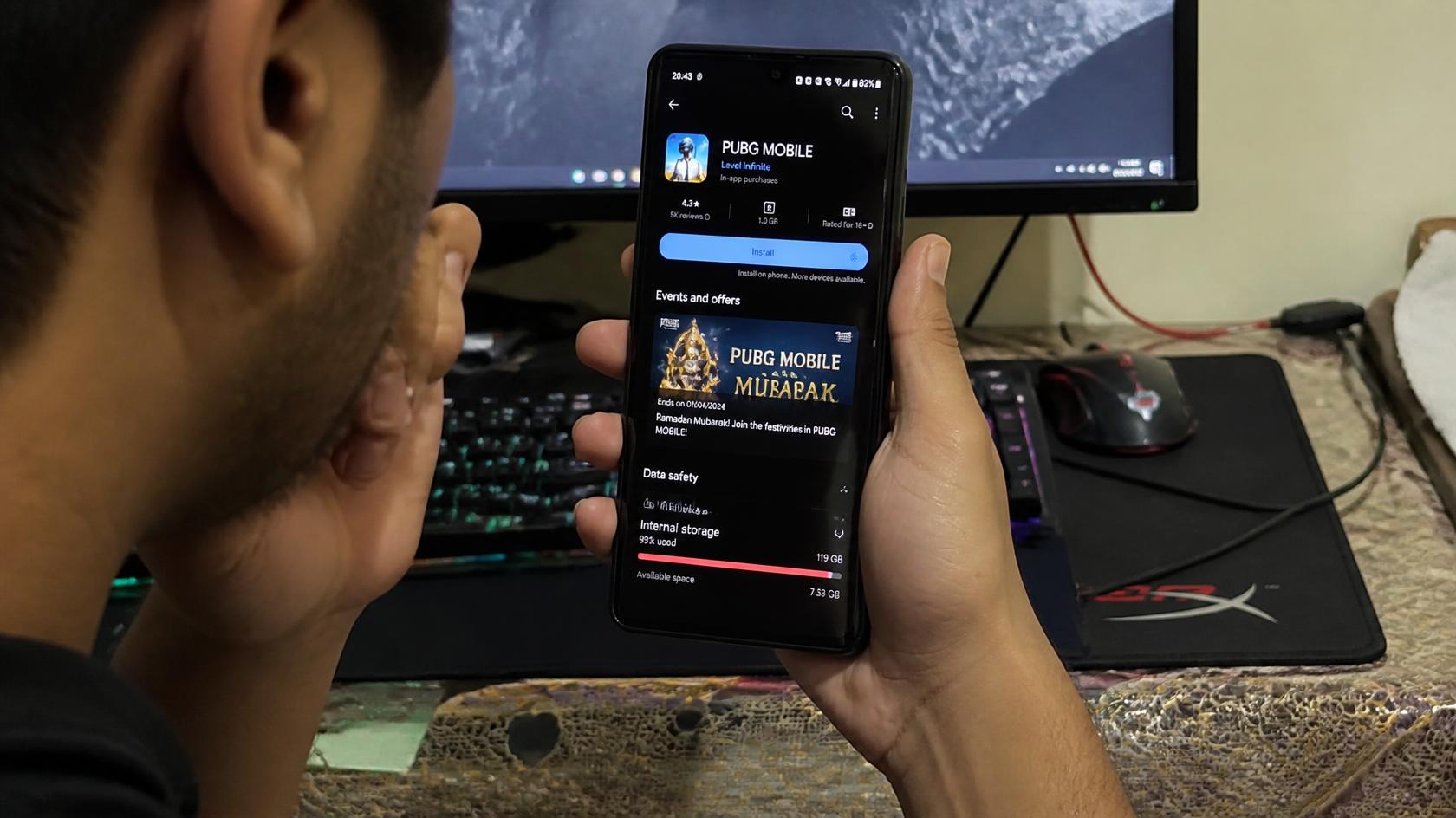
Checking Available Device Storage
Start by opening the device’s storage settings and checking how much space remains before downloading PUBG Mobile. Look beyond the total capacity and identify which categories consume the most room, such as applications, photos, videos, documents, and cached data. Google’s Android guidance emphasizes reviewing storage and removing unnecessary files when a device is running low on space.
Removing Unused Files Before Downloading
Unused applications and oversized media files are often the easiest places to recover storage. Remove downloads that are no longer needed, clear redundant files, and transfer important photos or videos to another secure location before deleting them. Avoid removing unfamiliar system files, because aggressive cleanup can create new problems rather than solving the original storage shortage.
Leaving Enough Space For Installation
Do not aim for the exact minimum amount of free space shown before downloading. Keeping additional capacity available gives Android room for temporary files, extraction, verification, and post-installation resources. A practical long-tail search such as how much storage does PUBG Mobile need to install reflects the real concern,the usable installation space can matter more than the headline download size.
Changes After Managing Storage Space
Proper preparation changes what happens after the download begins. Instead of constantly watching the storage meter, the device has more room to handle the installation sequence and accommodate future PUBG Mobile updates.
Smoother PUBG Mobile Download Process
With adequate free space, downloaded packages have room to be processed without immediately competing with other large files. This can reduce interruptions caused by critically low storage during the installation sequence. A stable connection still matters, but sufficient capacity removes one major source of avoidable friction.
Fewer Installation Storage Errors
Storage-related installation errors become less likely when unnecessary files have already been removed and a reasonable buffer remains. The device can process temporary data without immediately reaching its capacity ceiling. That distinction matters because repeatedly restarting a failed installation can waste both time and bandwidth.
More Space For Future Game Updates
Keeping some storage available after installation is useful because games evolve through patches, resource changes, and additional content. A device filled to its limit immediately after installation has little flexibility when another update arrives. Maintaining a storage buffer therefore supports a more sustainable mobile gaming storage strategy rather than solving only today’s problem.
Prepare Enough Storage Before Downloading PUBG Mobile
The most useful takeaway is simple,do not treat the initial download figure as the entire storage requirement. Check available capacity, remove expendable files, and preserve extra room so the device can complete downloading, extraction, and installation without hitting its limit. As digital-storage researcher and author David Pogue has frequently emphasized in his consumer technology guidance, managing digital clutter is less about keeping everything and more about deciding what genuinely needs to remain accessible. That principle fits mobile gaming particularly well, where large applications and recurring updates can steadily reshape storage needs. When storage is managed before the download begins, PUBG Mobile Downloads become far less troublesome to handle. Check the storage first, create a healthy buffer, and keep enough room available for the next update rather than waiting for the next warning to appear.