Unity Editor Crashes During Game Builds
Articles
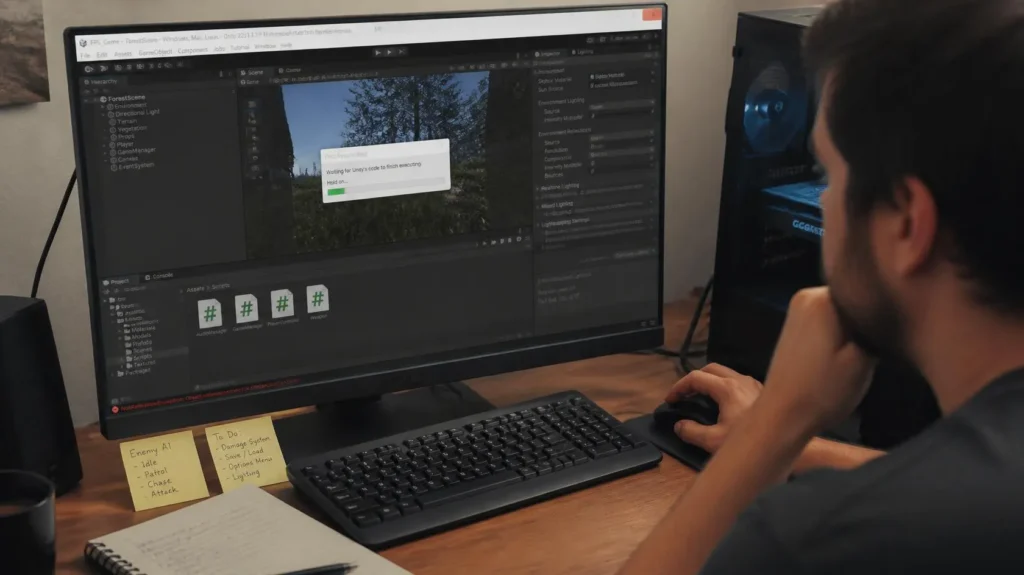
A build that reaches the final stages and suddenly takes the Unity Editor down can derail an otherwise smooth development session. Unity Editor Crashes during builds may be connected to large asset processing, script compilation problems, memory pressure, package conflicts, or cached build data, so the most useful response is to identify the failing stage rather than repeatedly rebuilding without a diagnosis.
The current Unity ecosystem has added stronger analysis and build diagnostics, especially across the Unity 6 generation. Unity Editor Crashes are easier to investigate when asset behavior, compiler messages, memory consumption, and build-stage timing are examined separately, while Unity 6.6 is currently a supported release and continues the platform’s focus on stability and incremental improvements. One easily overlooked clue is that a crash occurring during a build does not automatically mean the build pipeline itself is defective, the last asset, shader, script, or project operation being processed can be the more revealing lead.
Problems Behind Unity Build Crashes
A build crash usually becomes less mysterious once the workload is divided into recognizable categories. Build Process Stability depends on keeping assets manageable, code compilable, and Editor memory under control, while current Unity tooling can expose issues before a build is launched.
Large Assets Increased Build Load
Heavy textures, complex models, large scenes, and extensive shader data can increase processing pressure during a build. Unity’s asset pipeline tracks import dependencies and stores processed import results, so large or frequently invalidated assets can create substantial work before the final player is produced.
Scripts Caused Build Processing Errors
A script that fails compilation or triggers a problematic build-time process can interrupt the build before packaging is complete. Check the Console for compiler errors and warnings first, then verify recently changed editor scripts, packages, build callbacks, and platform-specific code. Unity’s current Project Auditor can also report code issues and build-related information, including compiler messages associated with shaders.
High Memory Usage Overloaded The Editor
The Editor can consume substantial memory because it manages project assets, scenes, imported data, packages, and its own interface simultaneously. Unity’s Memory Profiler is designed to expose allocations and memory usage, while Unity notes that profiling inside the Editor includes Editor overhead and should not be treated as an exact representation of a standalone player.
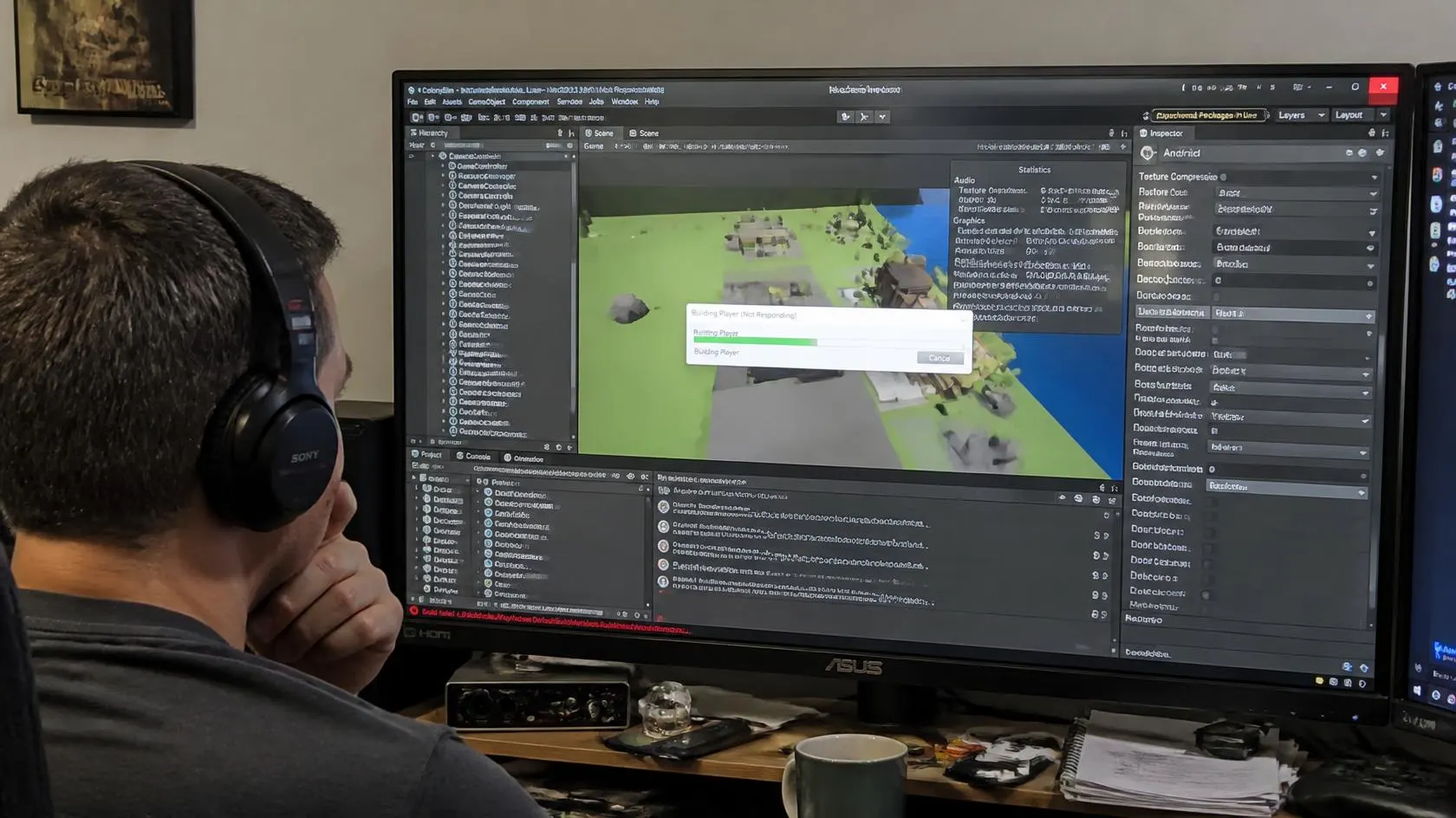
Fixing Unity Crashes During Builds
Once the likely pressure point is visible, use targeted checks rather than changing the entire project at once. A disciplined build troubleshooting workflow should isolate assets, scripts, caches, and Editor workload so each adjustment has a measurable result.
Checking Assets That Delay Builds
Start with recently imported or modified assets, particularly high-resolution textures, complicated models, large scenes, and shader-heavy content. Project Auditor in current Unity versions can analyze assets, their import settings, and build information, helping reveal areas associated with longer processing or unnecessary resource usage.
Testing Scripts Before Starting Builds
Resolve Console compiler errors before launching another full build. Review recently modified scripts, custom build tools, editor extensions, and package changes, then run smaller checks or a development build where practical. Unity’s build pipeline supports custom scripts and callbacks, so a project with extensive automation should also inspect those custom stages when failures appear consistently at the same point.
Closing Unused Editor Windows
Reduce unnecessary Editor workload before starting another build. Unity’s profiling documentation specifically recommends reducing open Editor windows when profiling in the Editor, and the same principle can help establish a cleaner diagnostic baseline during heavy project operations. Thomas Krogh-Jacobsen, Unity’s Senior Technical Content Marketing Manager, describes profiling as detective work, emphasizing the value of finding the actual source of performance problems instead of guessing.
Changes After Stabilizing Unity Builds
When the main source of instability is removed, the improvement should be visible across the entire development loop. Builds become more predictable, testing is interrupted less often, and Unity build optimization shifts from emergency troubleshooting toward routine maintenance.
Builds Completed With Fewer Crashes
A cleaner asset set, error-free scripts, and controlled Editor memory reduce several common sources of build disruption. Unity 6.3 introduced broader production-verification work focused on stability and faster build workflows, including improvements to the Scriptable Build Pipeline and build-time diagnostics.
Game Testing Faced Fewer Interruptions
Every successful build creates another opportunity to test gameplay, balance, performance, and platform behavior. Reducing crashes therefore improves more than build reliability because fewer interruptions preserve the iteration rhythm between development and testing. Unity’s current optimization guidance continues to emphasize profiling and iterative verification rather than waiting until the end of development.
Development Sessions Became More Consistent
Consistency comes from repeating a stable process,inspect the project, identify the bottleneck, fix one issue, and rebuild under comparable conditions. Current Unity releases also include Project Auditor directly in the Editor, giving supported versions a built-in way to inspect code, assets, shaders, GameObjects, project settings, and build information. Adam Smith, Unity’s Senior Vice President of Product – Engine, describes the company’s guiding principle as putting performance and stability above all else.
Build More Stable Unity Projects
For a practical Unity Editor Crashes checklist, begin with the last successful build, compare recent project changes, inspect Console errors, review suspicious assets, and check memory pressure before rebuilding. Do not let another failed build become another blind retry. Trace the failure, reduce the workload, verify the fix, and Unity Editor Crashes can become a diagnosable build problem instead of a recurring interruption to development.