Testing a Game Prototype in Unity
Articles
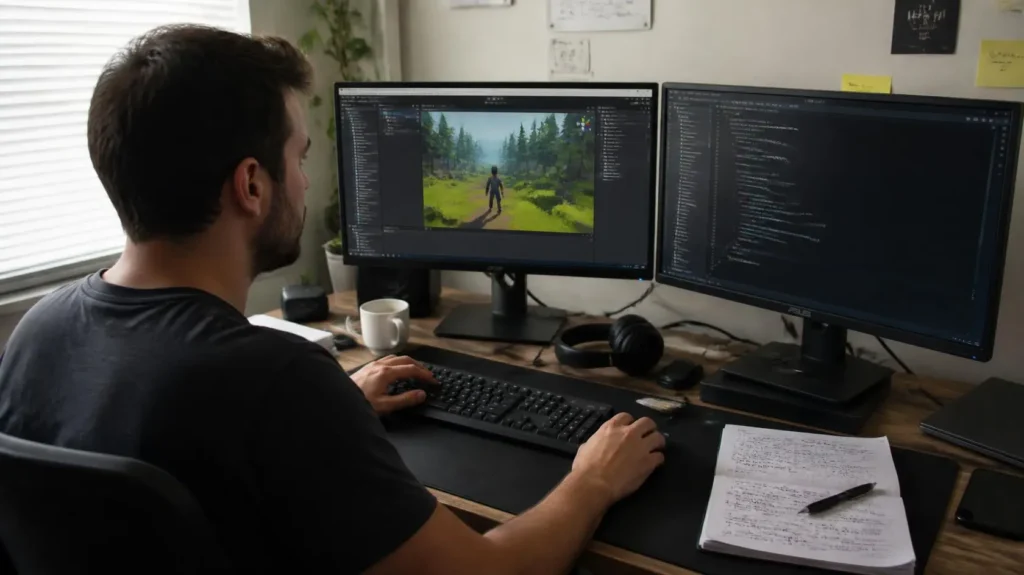
A prototype can look convincing in the Unity Editor and still unravel the moment another person plays it. Controls may feel sluggish, a mechanic can trigger at the wrong time, or a seemingly minor collision bug can derail the entire gameplay loop. Unity’s current learning materials emphasize focused prototype testing to confirm expected behavior, discover unexpected behavior, and evaluate the actual user experience rather than relying on assumptions.
A structured Game Prototype Unity workflow turns those discoveries into useful development decisions by testing one interaction at a time, observing real gameplay, and recording reproducible problems. The process is especially relevant as Unity continues emphasizing faster iteration and real-world validation, with its latest development direction focused on reducing iteration friction and testing technology in production environments. The intriguing part is that a strange bug is not always a dead end,an unexpected player interaction can expose a design opportunity that would have remained invisible inside the original concept.
Problems Found In My Unity Prototype
A playable prototype should be challenged before more content is layered onto it. The Gameplay Testing Process should therefore begin with the core experience, because broken fundamentals can become much more expensive to repair once additional systems depend on them.
Core Controls Felt Inconsistent
Controls should produce predictable results every time the same input is performed. Test movement, jumping, aiming, attacks, and other primary actions under different speeds and conditions rather than checking them only once. Inconsistent input response often signals issues involving timing, state transitions, physics, or overlapping logic.
Gameplay Mechanics Behaved Unexpectedly
A mechanic can technically function while behaving differently from its intended design. Try deliberate actions as well as unusual combinations, because exploratory playtesting can uncover interactions that formal acceptance checks may not anticipate. Unity specifically highlights unexpected behavior as a major reason to test prototypes with broader player interaction.
Prototype Bugs Interrupted Playtesting
Crashes, broken collisions, stuck characters, missing triggers, and soft locks can interrupt the feedback loop before meaningful observations are collected. Record what happened, the action that preceded it, and whether the problem can be reproduced consistently. This creates a useful bug tracking workflow instead of leaving defects as vague notes such as something broke.
Testing The Prototype In Unity
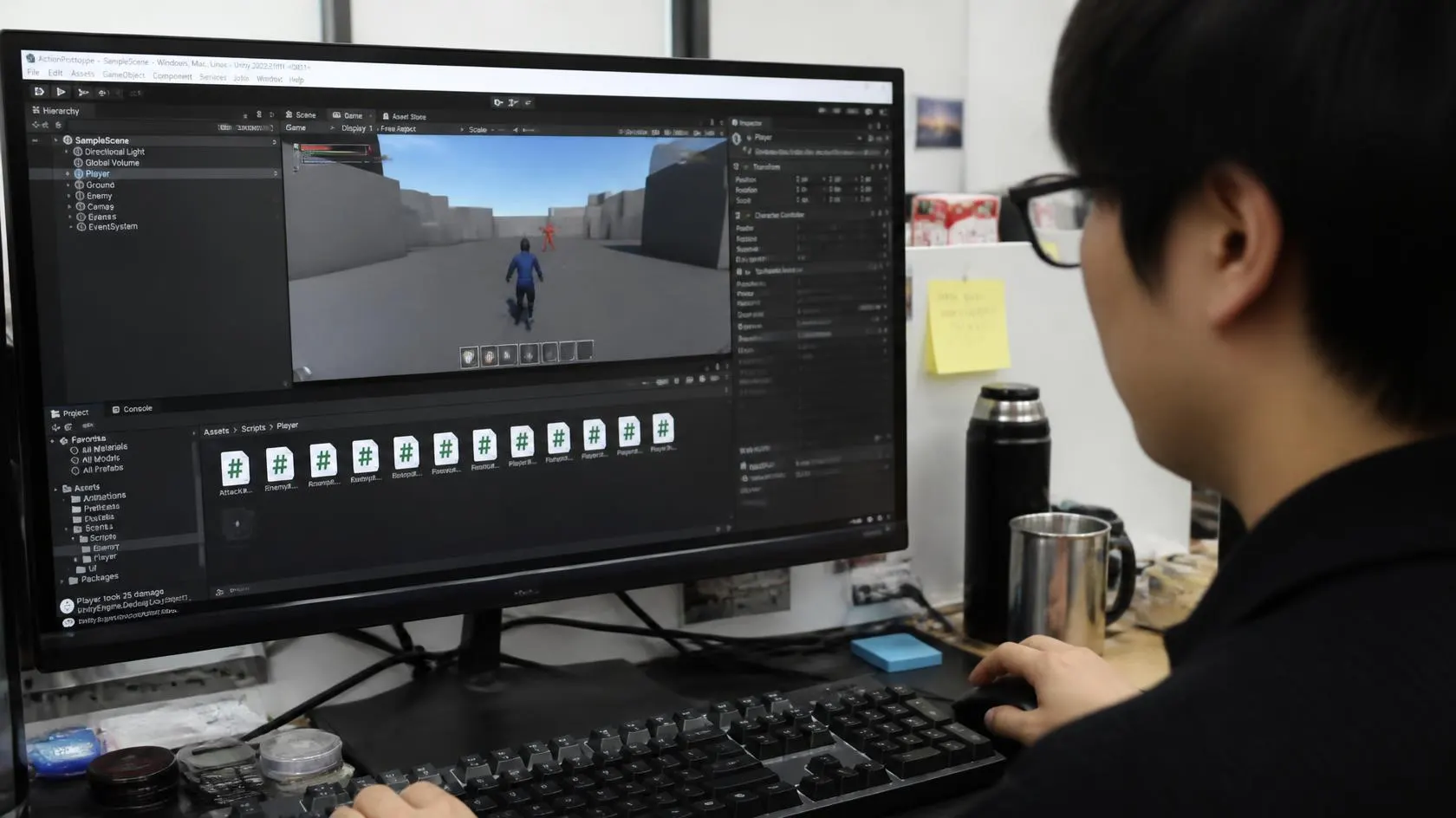
Effective Gameplay Testing Process starts with repeatable scenarios rather than unrestricted wandering through the prototype. Establish a small test loop, observe the result, and then change one variable at a time so the cause of a problem remains identifiable.
Playing The Core Gameplay Loop
Run the prototype exactly as a player would, from the first interaction through the main objective and its outcome. Watch for pacing, responsiveness, unclear feedback, repetitive actions, and places where the intended core gameplay loop loses momentum. Unity recommends focused testing because it can confirm requirements while also exposing broader user-experience issues.
Checking Controls During Playtests
Repeat essential inputs at different speeds and in different gameplay states. Test whether controls remain reliable when several actions occur close together, because a system that works in isolation can behave differently during active play. A practical Unity gameplay testing workflow should compare intended input, visible response, and actual game state.
Tracking Problems During Gameplay
Capture each issue with a short description, reproduction condition, expected result, and observed result. Unity’s Profiler can help investigate performance behavior, while Play Mode is useful for rapid iteration, however, Unity notes that profiling directly in the Editor is an approximation and target-device testing provides more representative performance data.
Changes After Testing The Prototype
Testing becomes valuable when observations lead to targeted revisions. Instead of adding more content immediately, fix the friction that repeatedly interrupts the player experience and then rerun the same scenarios to verify the change.
Controls Became More Consistent
Repeated testing reveals exactly which actions fail and under what conditions. Adjusting input handling, timing windows, transitions, or conflicting states can make essential interactions more dependable. This creates stronger control consistency testing because the improvement is verified through repeated play rather than assumption.
Gameplay Issues Became Easier To Identify
A recorded test case gives every problem a recognizable pattern. Once the same sequence can be reproduced, developers can isolate whether the cause comes from scripting, physics, collision, UI, animation, or another interconnected system. Unity’s prototype guidance similarly recommends acceptance testing alongside exploratory testing to uncover both expected and unexpected behavior.
The Prototype Became Ready For More Features
A cleaner prototype creates a safer foundation for additional mechanics, content, and polish. Unity’s 2026 development reporting highlights shorter prototyping cycles and rapid iteration, reinforcing the value of validating the central concept before expanding scope. Zorro Svärdendahl of Landfall Games described the role of iteration in PEAK, saying, “we might not have been able to make this game a year earlier” without Unity 6.
Start Testing Your Unity Prototype
Start with a narrow prototype testing checklist,verify the main interaction, repeat the core loop, challenge the controls, and document every reproducible issue before adding another feature. Adam Smith, VP of Product for Unity Engine, said, “We’ve worked closely with studios building games across different genres and platforms to validate Unity 6 features in the field,” reflecting the broader value of testing in realistic conditions. Do not wait until the prototype looks finished. Test the core loop early, reproduce problems carefully, fix the most disruptive issues first, and repeat the same scenarios after every meaningful change. That discipline makes Game Prototype Unity development more resilient while keeping future features on a much stronger foundation.