
Genshin Impact Resource Downloads After Updates
Articles
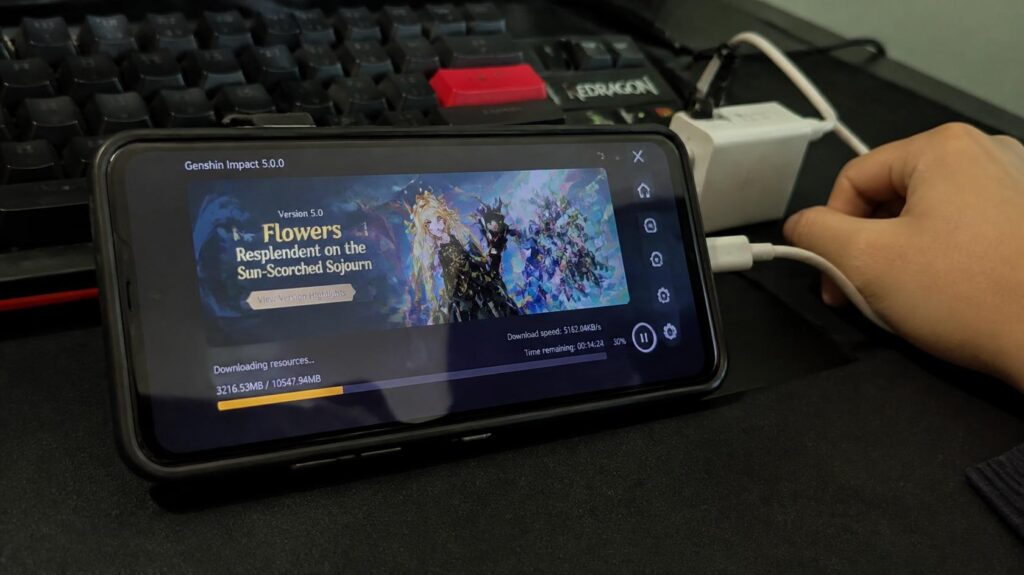
A new Genshin Impact update can bring exciting quests, characters, and events, but it can also create an unexpected challenge,finding enough storage space to finish downloading the latest content. If the game suddenly asks for additional resources or takes longer than expected to launch, your Android phone may need a little preparation before the next adventure begins. A few simple checks can help prevent frustrating interruptions and make update day much smoother.
Resource Downloads Updates are an important part of keeping Genshin Impact ready to play, especially when new versions introduce additional assets or replace existing files. The surprising part is that the space needed to complete an update may differ from the size of the update itself, so a download that appears manageable can still leave your phone struggling to finish installation. Understanding how these downloads work can help you plan storage more carefully and get back to Teyvat with fewer delays.
Resource Downloads After Genshin Updates
Every major update can change how much content Genshin Impact needs to download, install, or replace. Knowing what happens behind the scenes helps explain why an update may require more preparation than its displayed download size suggests.
Updates Can Trigger New Resource Downloads
Genshin Impact updates can introduce new regions, quests, character assets, audio, and event content. Depending on the version and platform, the game may download additional files or replace existing resources during installation. Check the official update notices to understand which content is included and whether extra downloads are expected.
Large Resources Can Consume Storage
High-resolution textures, voice-over files, and expansive environments can contribute to Genshin Impact’s substantial storage footprint. Optional language packs and downloadable content may also affect the amount of space used on your device. A smaller update download does not automatically mean the installation will need only that same amount of free storage.
Limited Storage Can Delay Gameplay
When Android storage is nearly full, the game may struggle to download or unpack additional resources. Temporary installation files can also occupy space, making it harder to complete an update even when the initial download appears small. Keeping some free storage available can reduce the risk of interruptions and last-minute file cleanup.
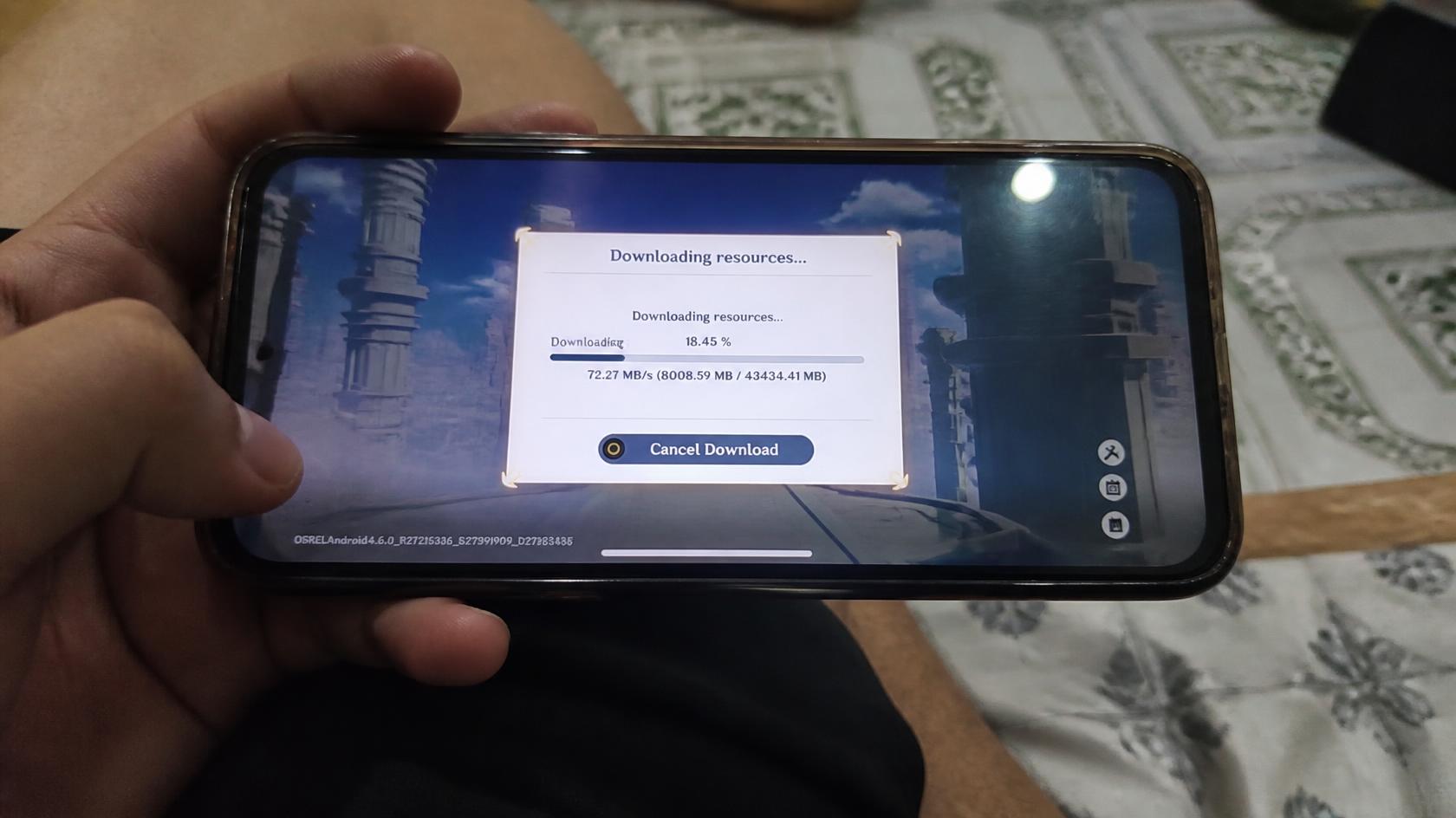
Preparing Android Storage For Updates
A little Android Storage Preparation can make large game updates easier to manage, particularly on phones that also hold photos, videos, and other demanding applications. Before downloading a new version, check what is using your storage and decide which files can safely be removed.
Checking Storage Before Updating Genshin
Open your Android phone’s Settings and look for Storage to review available space. Then check Genshin Impact’s app information to see how much storage its installed files and data currently occupy. Compare those figures with the official update information, while leaving additional room for temporary installation requirements.
Clearing Unused Files From Android
Remove unnecessary downloads, duplicate videos, and applications that are no longer useful. You can also review large media files and move personal content to a trusted backup location before deleting anything. Avoid clearing Genshin Impact’s app data unless you understand the consequences, because doing so may remove locally stored resources or require additional downloads.
Leaving Enough Space For Resources
Do not plan your update around the download figure alone, since installation may involve temporary files or resource replacement. Leave a reasonable storage buffer and follow any additional requirements stated in the official update instructions. If your phone is still short on space, remove more unnecessary files before starting the update rather than interrupting it midway.
Changes After Managing Update Resources
Once storage is prepared, the update process may become easier to manage and less likely to run into avoidable space-related problems. The exact improvement depends on your device, the update, and the amount of free storage available.
Resource Downloads Become Easier To Handle
Having sufficient free space gives downloaded resources room to be processed during installation. This can reduce storage-related interruptions, although download speed still depends on your internet connection and the game’s servers. Check the download progress and avoid repeatedly stopping or restarting the process without a clear reason.
Storage Problems Are Easier To Avoid
Regularly checking storage helps identify potential problems before a major update arrives. Removing unnecessary files in advance is often more convenient than scrambling to free space when the game is already downloading. Android’s storage-management guidance encourages users to review and manage files when available space becomes limited.
Gameplay Can Resume With Fewer Delays
When the update finishes successfully, the game can download or verify any remaining resources before returning to normal gameplay. A stable internet connection and sufficient battery power can help make this process more convenient. If the game still takes a long time to load, check for ongoing resource downloads, device performance issues, or an official service notice.
Prepare Storage Before Genshin Updates
Genshin Impact’s resource requirements can change between versions, so checking storage before updating is a useful habit rather than a one-time task. Review the official update details, check available Android storage, and avoid deleting important game data simply to make room. The main takeaway is that Resource Downloads Updates involve more than the size of the initial download, while Android Storage Preparation helps you anticipate potential installation problems. You can make update day less stressful by leaving sufficient space, using a reliable connection, and checking the game’s official instructions before downloading. Ready for the next journey through Teyvat? Check your phone’s available storage today and prepare for the next Genshin Impact update before it arrives.